Appareil pour retrouver vos objets
Smart Finder
Smart Finder
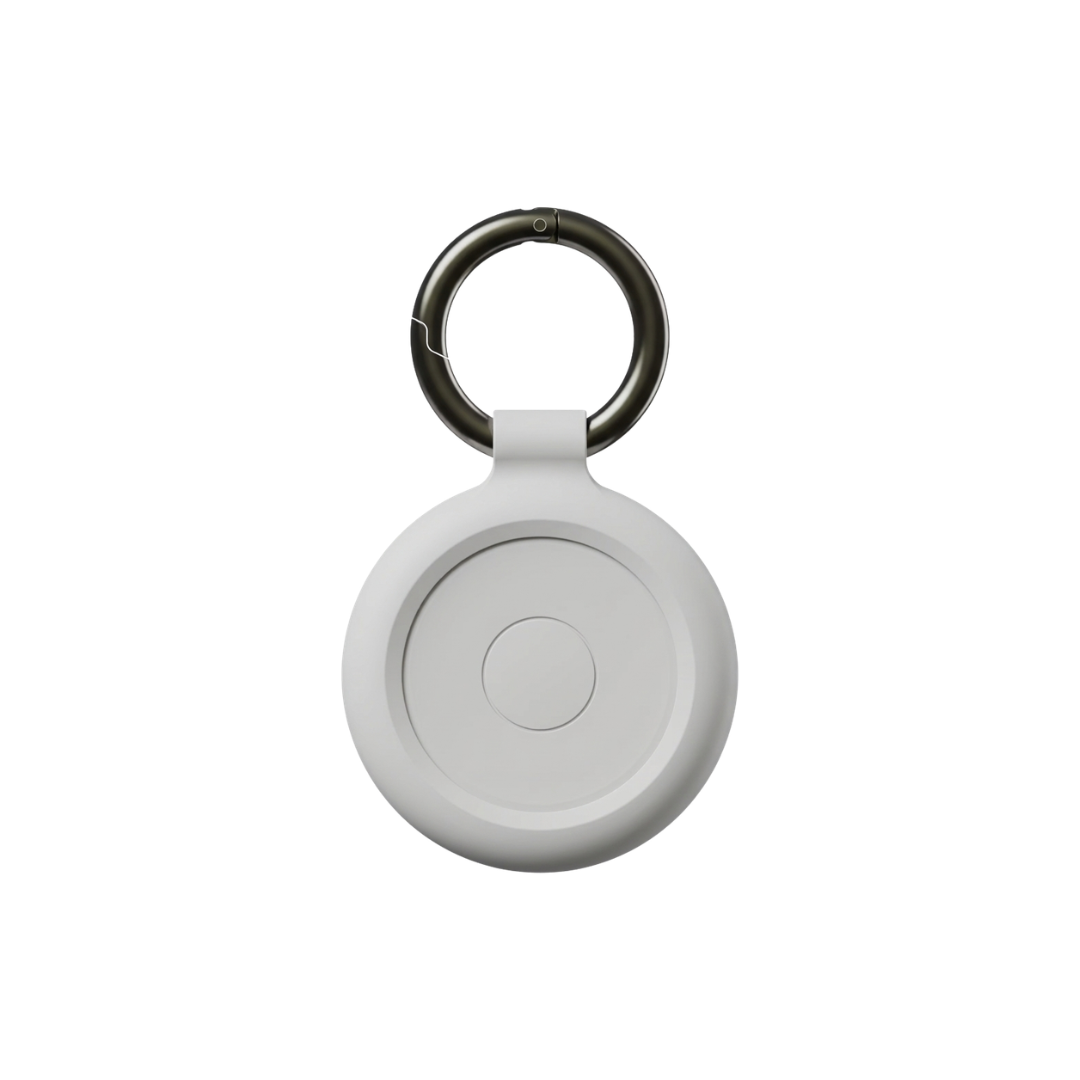
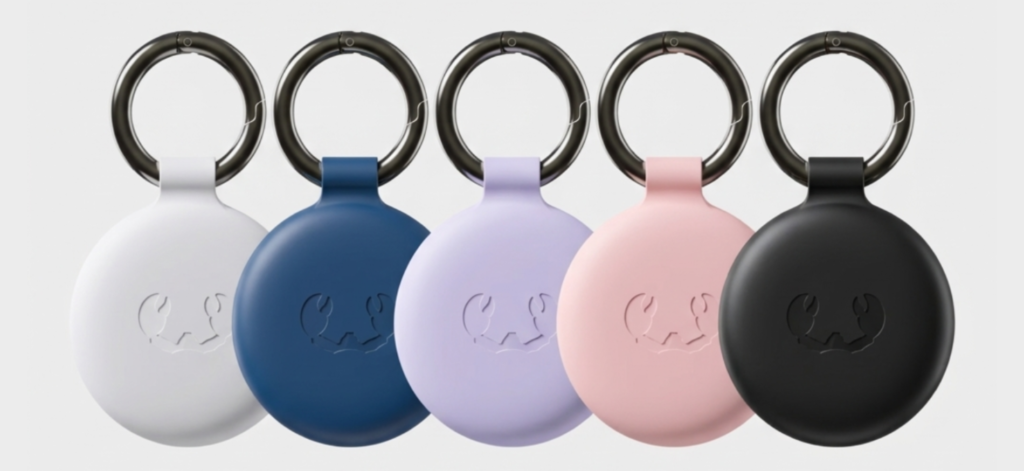
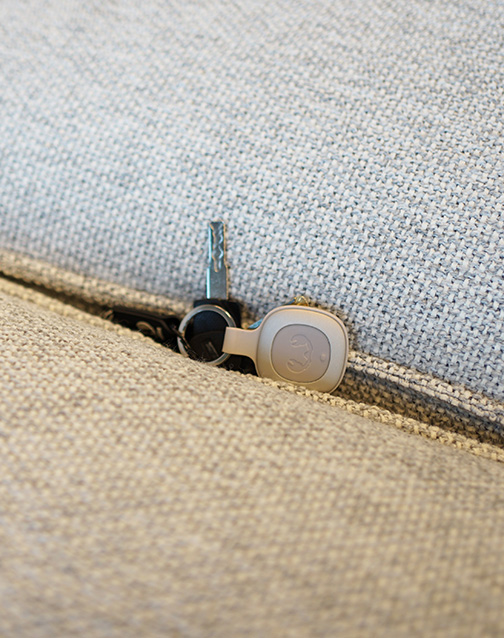
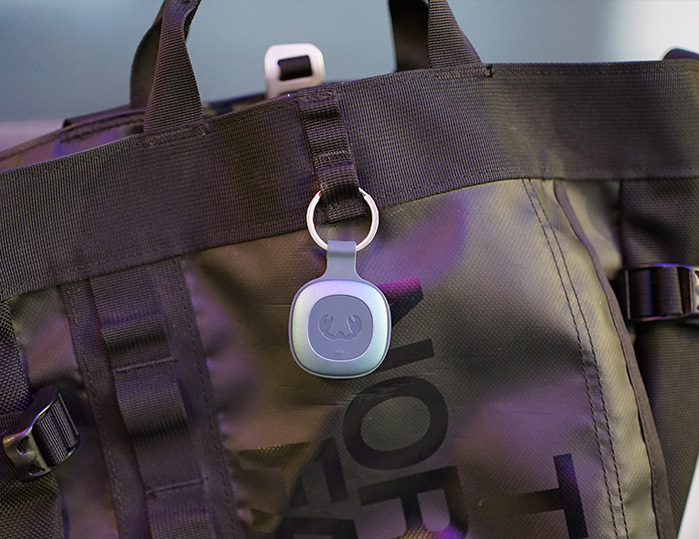
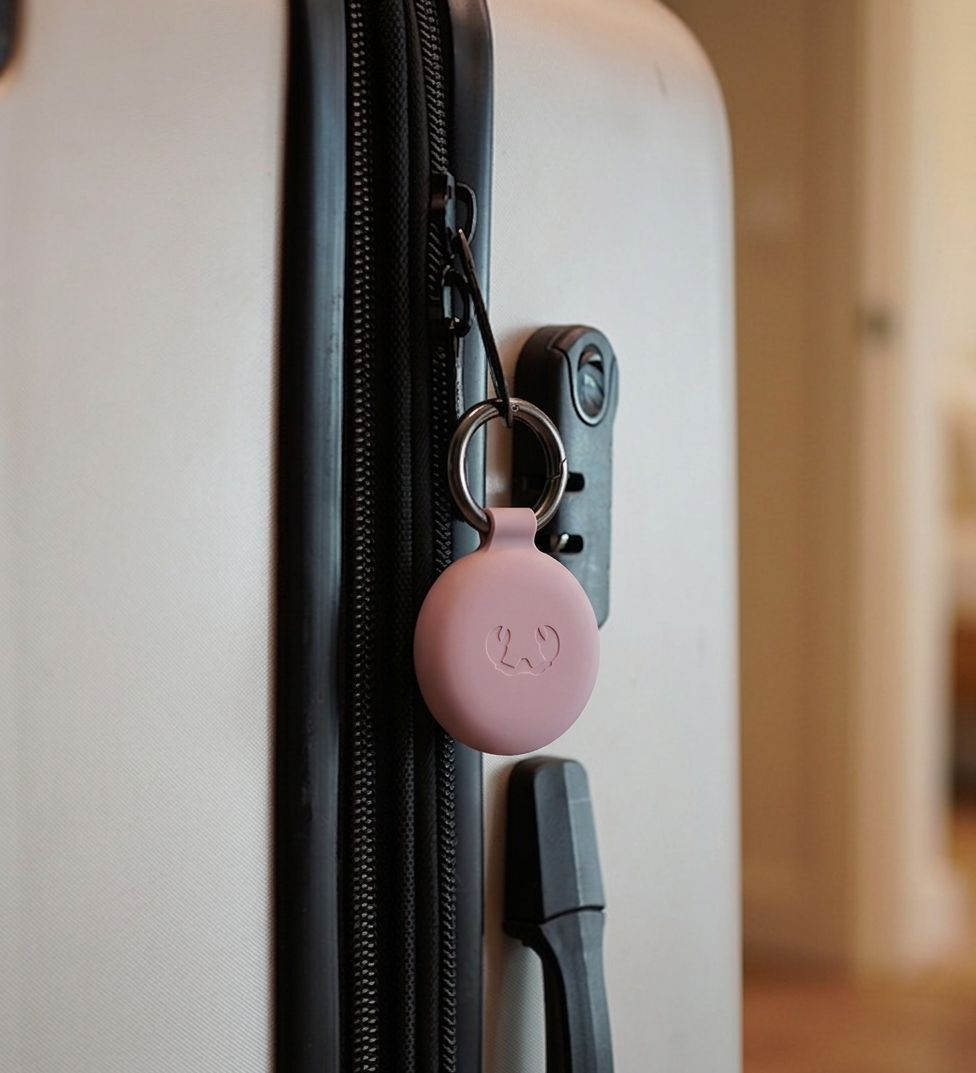
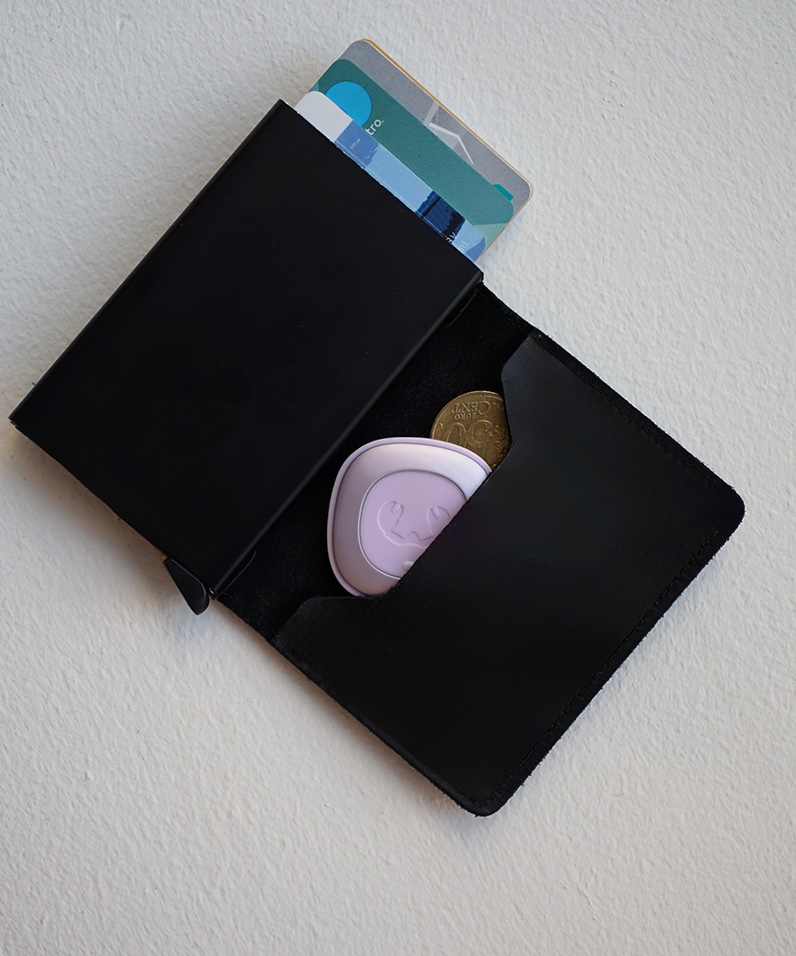
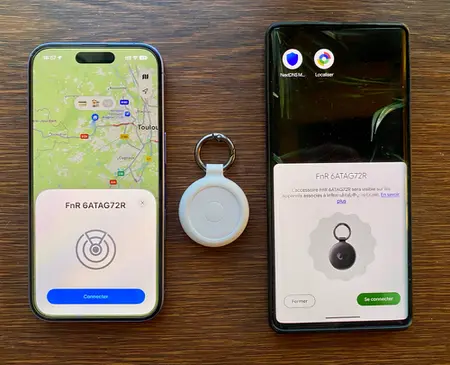
With Fresh ‘n Rebel’s Smart Finder you can always keep track of your favourite items, no matter where in the world they are. Attach the Smart Finder to your keys, wallet, bag, luggage, e-bike or pet and easily locate it using the Apple Find My app on your iPhone, iPad, Mac or the Find Items app on your Apple Watch, or via Google Find My Device on Android.
- Find My & Google Find My Device enabled
- Prend en charge le mode Perdu, Notify When Found et Notify When Left Behind
- Haut-parleur intégré pour émettre un son “bip”
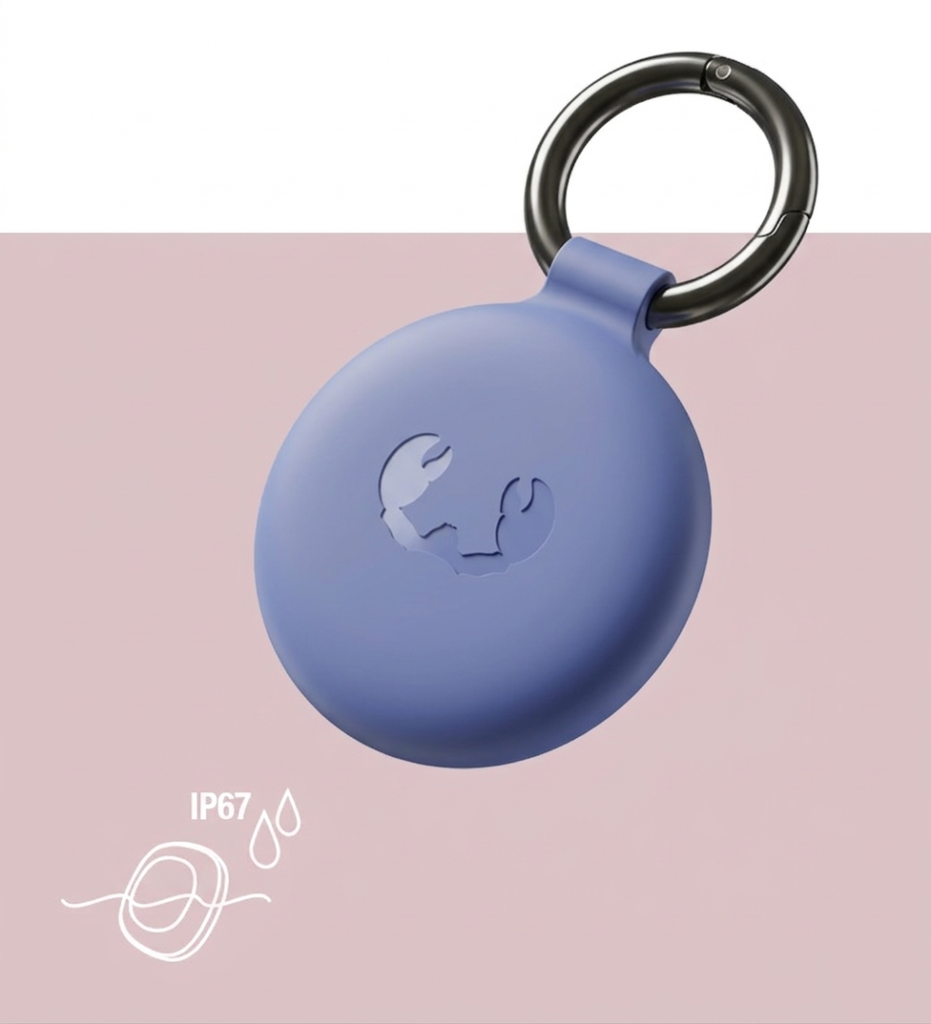
- Résistant à l’eau et à la poussière (IP67)
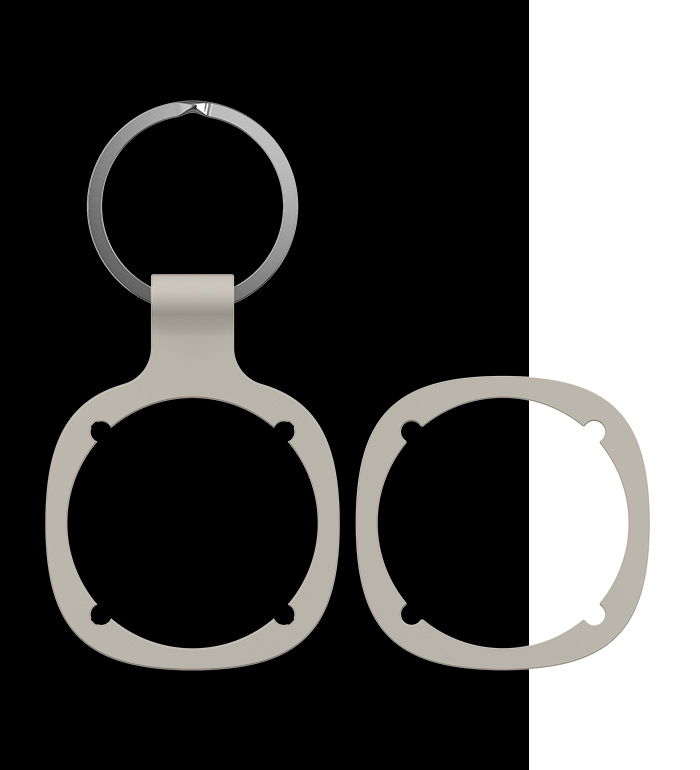
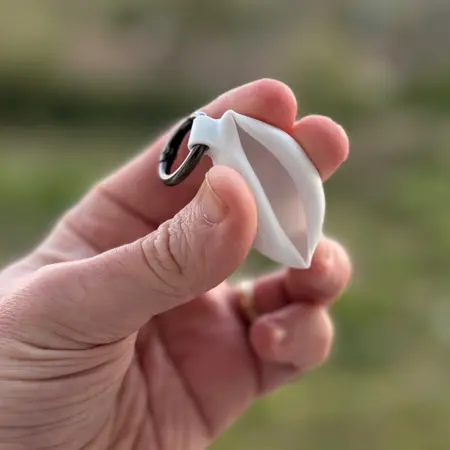
- Accessoires détachables (porte-clés) inclus
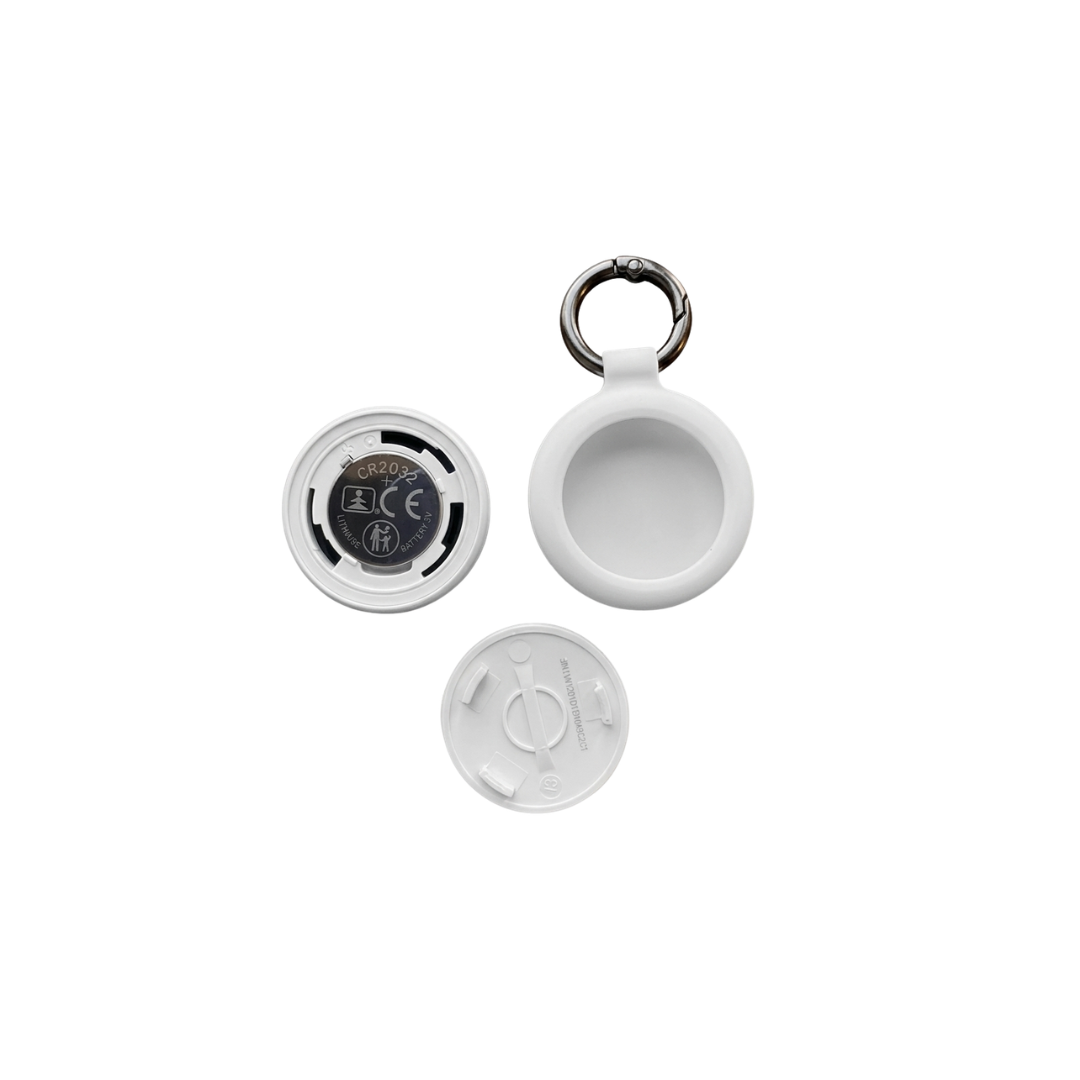
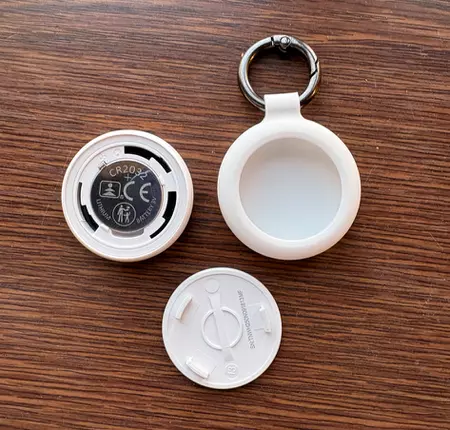
- Batterie remplaçable (CR-2032)
- Paiement sécurisé
- Retours faciles
- Livraison gratuite
- Support rapide
Réseau Find My
Toujours avec vous
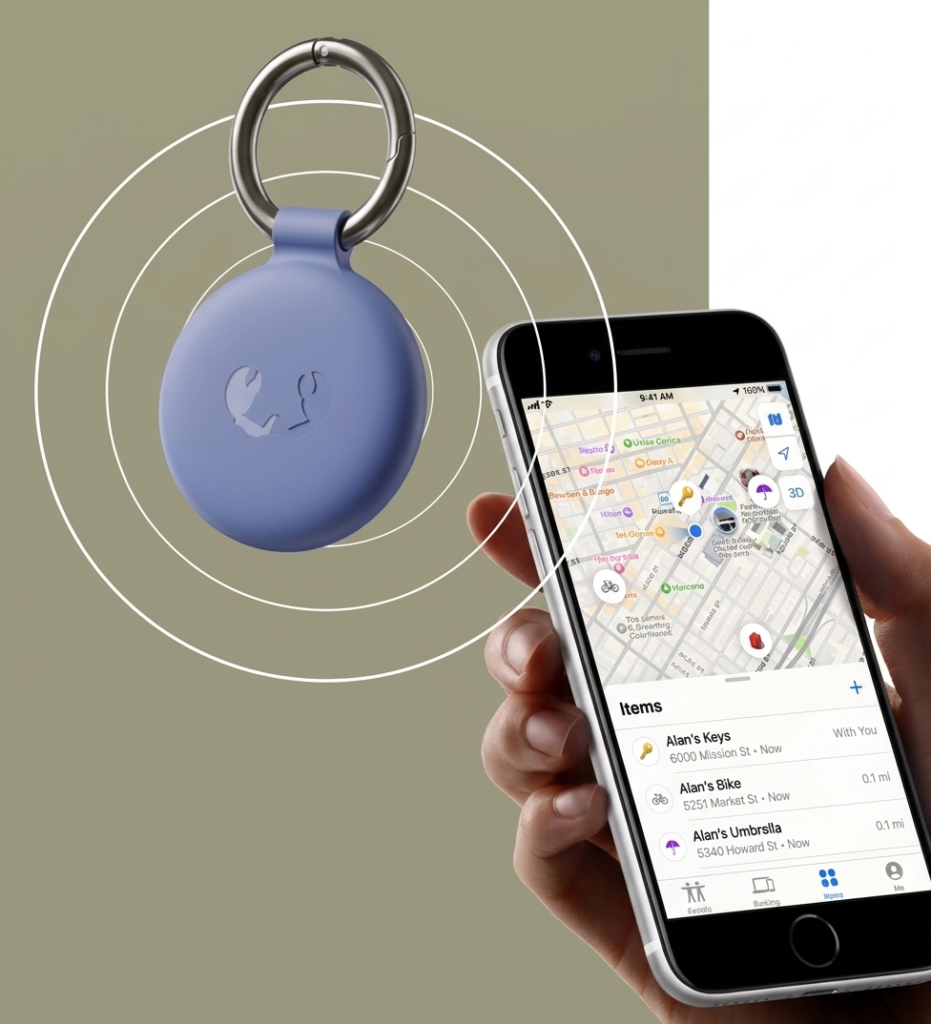
With the Smart Finder you can always keep track of your items, even if they’re far away. “How?!” you may think. Easy! The Smart Finder sends out a secure Bluetooth signal to any nearby device in Apple’s Find My network in Apple’s Find My network or Google Find My Device network (mostly smartphones)
These devices send the location of your Smart Finder back to your Apple device.In the Apple Find My app or Google Find My Device you will be able to see the location of your Smart Finder on a map. Put a Smart Finder in your luggage or attach it to your backpack and you will always be able to safely locate your belongings anywhere in the world.
Notifications
Stay in the loop
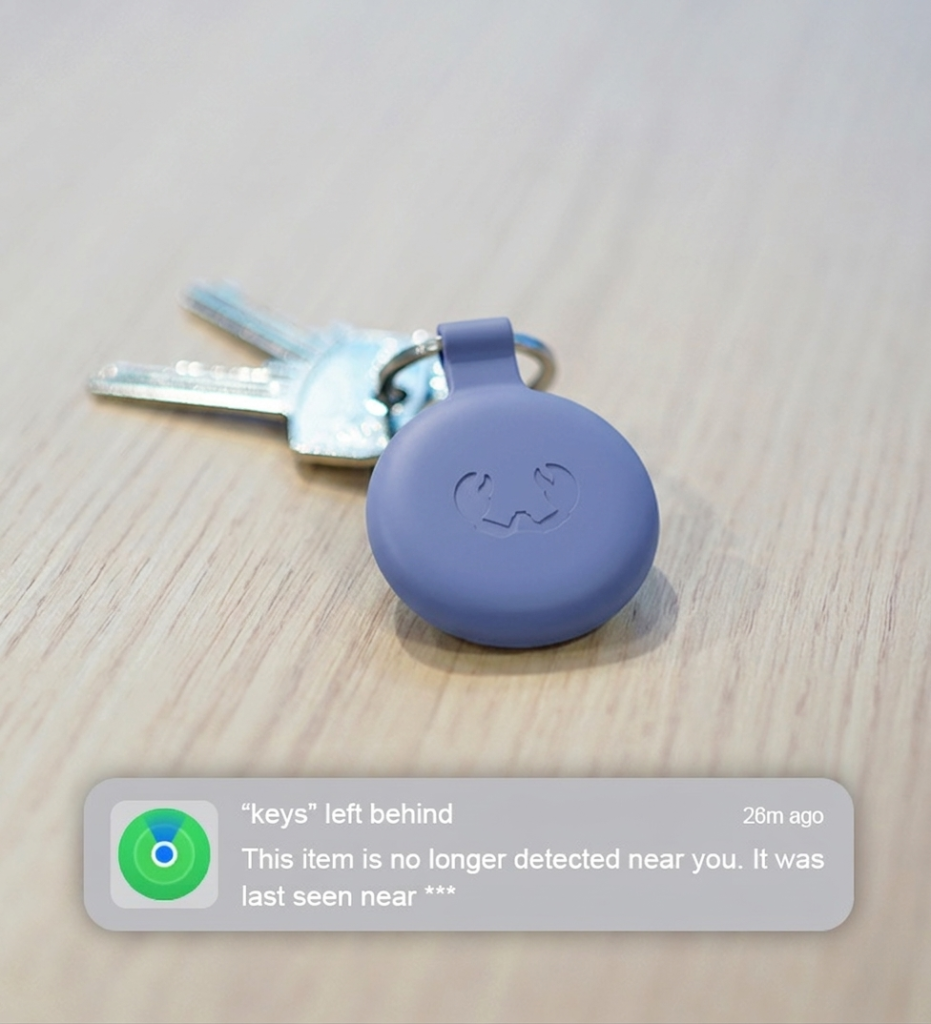
Le Smart Finder prend en charge plusieurs options de notifications via l’application Find My. Lorsque l’option “Notify When Left Behind” est activée, vous recevez une alerte dès que votre Smart Finder sort de portée Bluetooth. Si vous oubliez vos clés quelque part, vous êtes immédiatement notifié. Depuis l’application, vous pouvez également voir l’itinéraire pour le retrouver ou désactiver les notifications pour un lieu spécifique.
When ‘Notify When Found’ is enabled and your Smart Finder is out of the Bluetooth range of your device, you will receive a notification when your Smart Finder is within Bluetooth range of another device in the Find My network or Google Find My Device network You can then find its location in your Find My app.
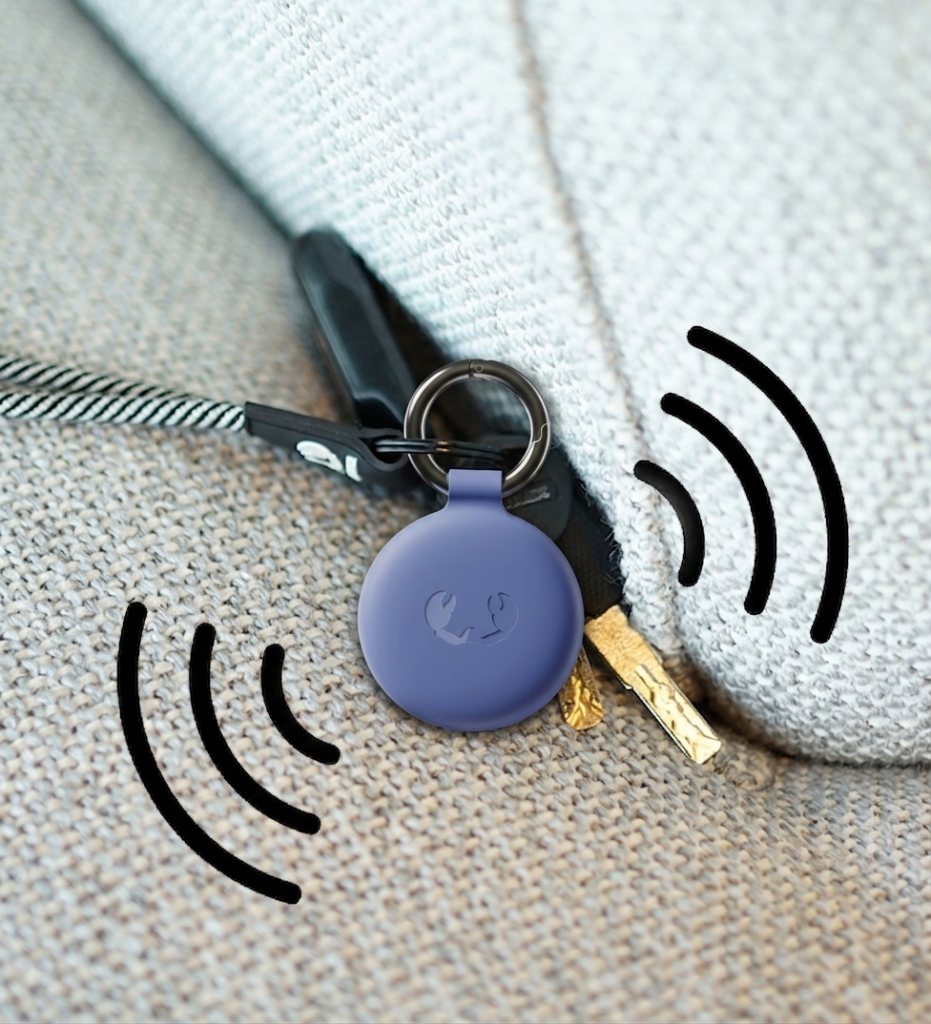
Émettre un son
Jeu de piste
Résistant à l’eau et à la poussière
Emmenez-le partout
Accessoires détachables
Adaptez selon vos besoins
Batterie remplaçable
Autonomie longue durée
Questions fréquentes
What is the Fresh ’n Rebel Smart Finder?
C’est un appareil qui vous permet de localiser vos objets facilement, à tout moment et partout. bag or dog and find it your favourites with ease. Besides that, the Smart Finder has useful features, such as a notification when your Smart Finder is out of your reach.
Est-il étanche ?
Yes, it is! The Fresh ‘n Rebel Smart Finders are IP67 dust- and waterproof. Oui, certifié IP67, il peut résister à l’eau jusqu’à 30 minutes..
Quelle est l’autonomie de la batterie ?
How do I connect my Smart Finder to my device?
Comment connecter le Smart Finder ?
Step 1Étape 1 : Tournez le Smart Finder d’un quart de tour pour l’ouvrir, puis retirez la languette de protection de la batterie.
Étape 2 Appuyez une fois sur le bouton pour l’allumer (un son confirme l’activation).
Étape 3 Ouvrez l’application Apple Find My sur votre iPhone ou iPad.
Étape 4 : Appuyez sur “+” puis sur “Ajouter un objet”.
Étape 5 : Lorsque le Smart Finder apparaît, appuyez sur “Connecter”.
Étape 6 : Donnez-lui un nom et choisissez un emoji, puis appuyez sur “Continuer”.
Étape 7 : Appuyez sur “Accepter” pour l’associer à votre Apple ID.
Étape 8 : Appuyez sur “Confirmer” : votre Smart Finder est prêt à être utilisé.
Si l’appareil n’est pas ajouté dans les 10 minutes après l’allumage, il s’éteindra automatiquement. Répétez alors les étapes.

How do I connect my Smart Finder to my device?
Comment connecter le Smart Finder ?
Step 1Étape 1 : Tournez le Smart Finder d’un quart de tour pour l’ouvrir, puis retirez la languette de protection de la batterie.
Étape 2 Appuyez une fois sur le bouton pour l’allumer (un son confirme l’activation).
Étape 3 Ouvrez l’application Apple Find My sur votre iPhone ou iPad.
Étape 4 : Appuyez sur “+” puis sur “Ajouter un objet”.
Étape 5 : Lorsque le Smart Finder apparaît, appuyez sur “Connecter”.
Étape 6 : Donnez-lui un nom et choisissez un emoji, puis appuyez sur “Continuer”.
Étape 7 : Appuyez sur “Accepter” pour l’associer à votre Apple ID.
Étape 8 : Appuyez sur “Confirmer” : votre Smart Finder est prêt à être utilisé.
Si l’appareil n’est pas ajouté dans les 10 minutes après l’allumage, il s’éteindra automatiquement. Répétez alors les étapes.
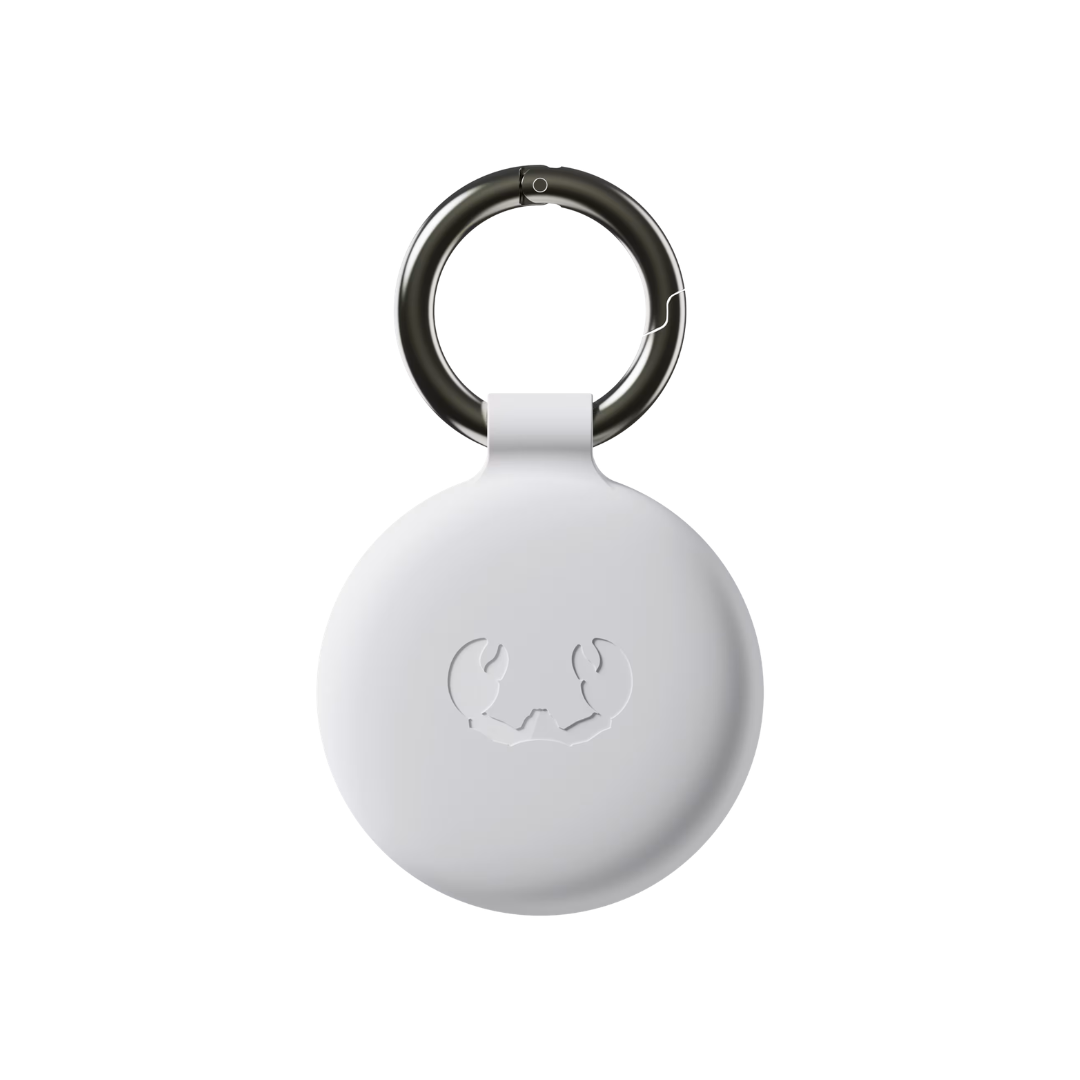
Contenu de la boîte
In the box
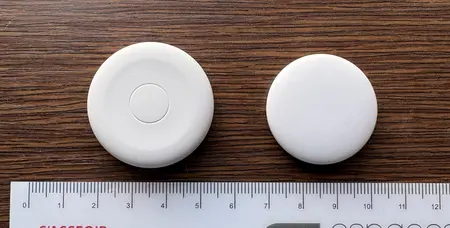
- 1 x Smart Finder
- 1 x bumper porte-clés + anneau
- 1 x bumper standard
- 1 x batterie CR-2032 installée
- 1 x batterie CR-2032 supplémentaire
- Guide de démarrage rapide
Fonctionnalités
- Compatible Find My et Google Localiser
- Support Lost Mode, Notify When Found and Notify When Left Behind
- Haut-parleur intégré pour émettre un son “bip”
- Résistant à l’eau et à la poussière (IP67)
- Accessoires détachables (porte-clés) inclus
- Replaceable batteries (CR-2032)