

18 Reviews
Your choice: White





199.99 DH
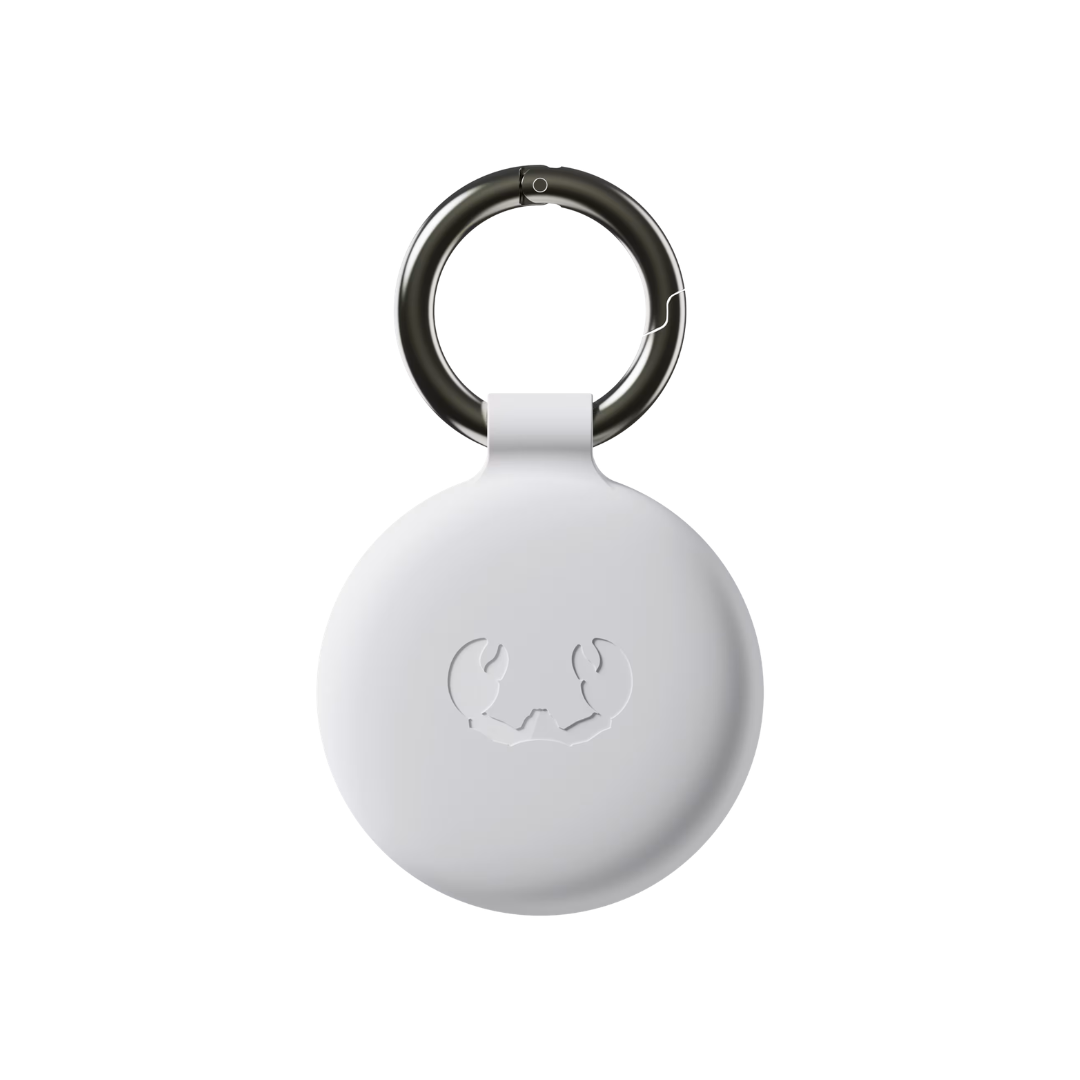
Wireless item locator
Smart Finder
With Fresh ‘n Rebel’s Smart Finder you can always keep track of your favourite items, no matter where in the world they are. Attach the Smart Finder to your keys, wallet, bag, luggage, e-bike or pet and easily locate it using the Apple Find My app on your iPhone, iPad, Mac or the Find Items app on your Apple Watch, or via Google Find My Device on Android.
- Find My & Google Find My Device enabled
- Supports Lost Mode, Notify When Found and Notify When Left Behind
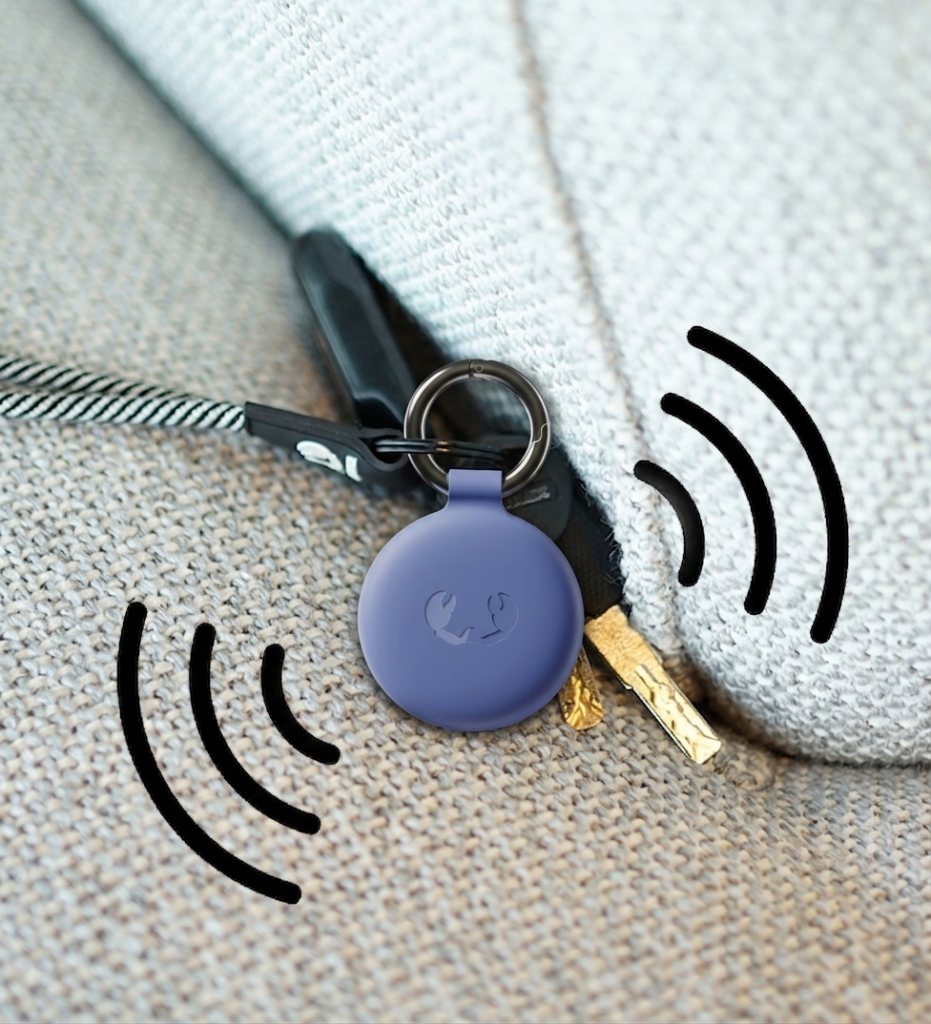
- Built-in speaker for beeping sounds
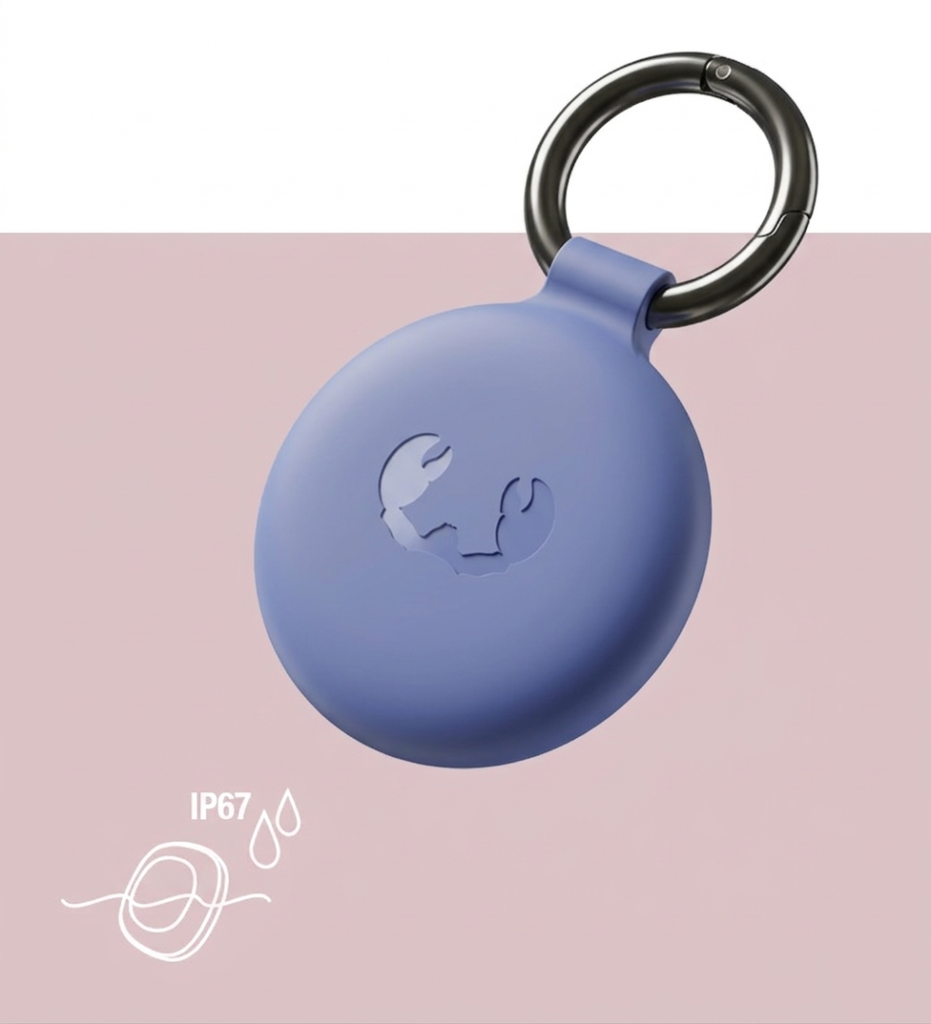
- Waterproof and dustproof (IP67)
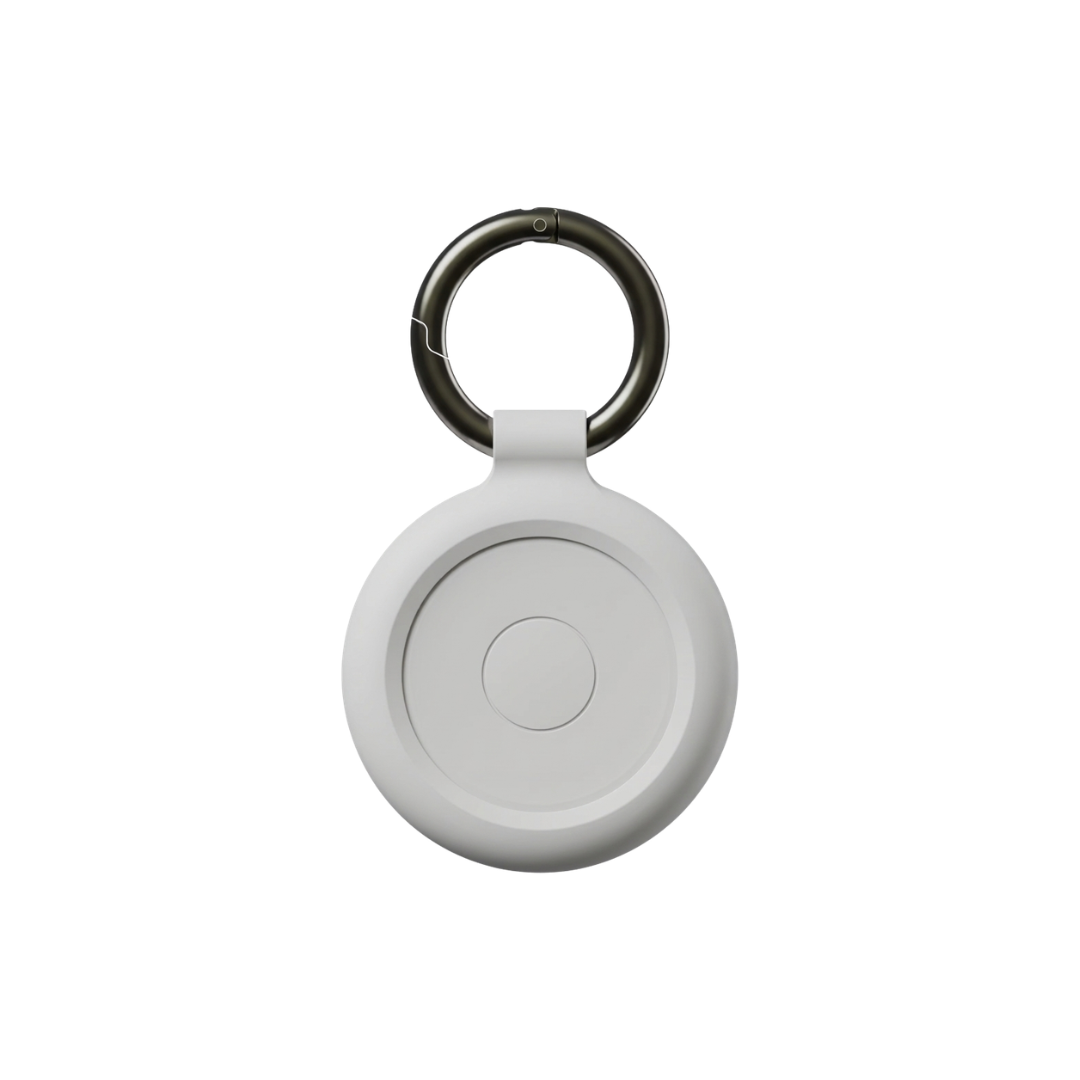
- Including detachable (key ring) bumpers
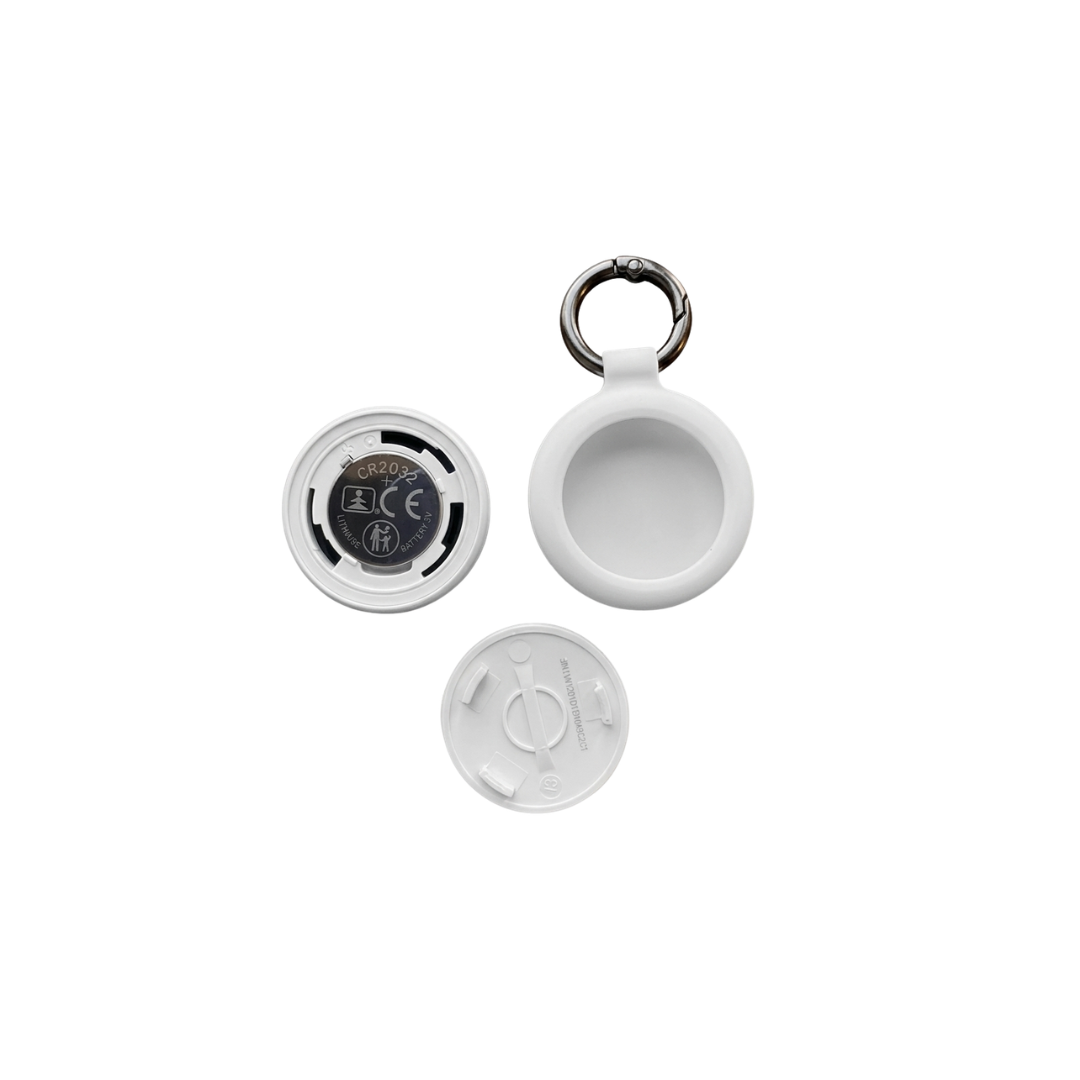
- Replaceable battery (CR-2032)
- Secure checkout
- Hassle-free returns
- Free delivery > €50
- Quick & personal support
Find My network
Got you(r) back
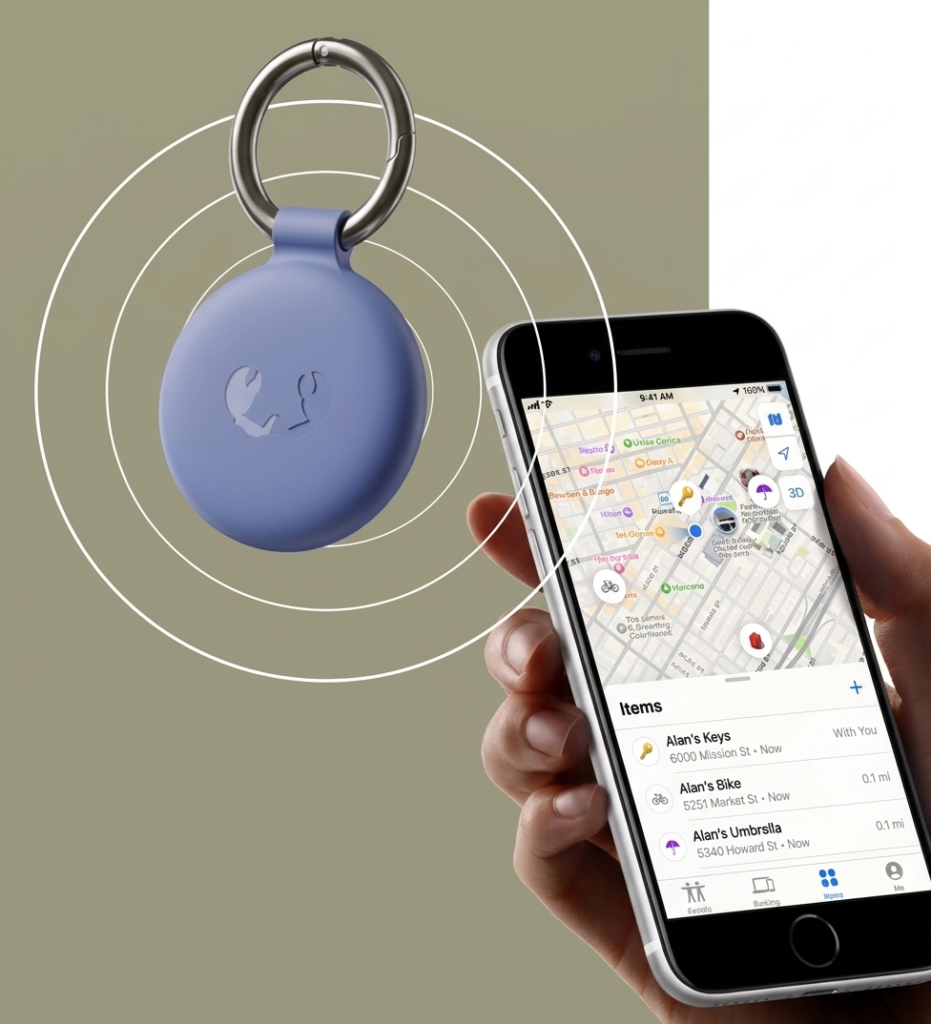
With the Smart Finder you can always keep track of your items, even if they’re far away. “How?!” you may think. Easy! The Smart Finder sends out a secure Bluetooth signal to any nearby device in Apple’s Find My network in Apple’s Find My network or Google Find My Device network (mostly smartphones)
These devices send the location of your Smart Finder back to your Apple device.In the Apple Find My app or Google Find My Device you will be able to see the location of your Smart Finder on a map. Put a Smart Finder in your luggage or attach it to your backpack and you will always be able to safely locate your belongings anywhere in the world.

Notifications
Stay in the loop
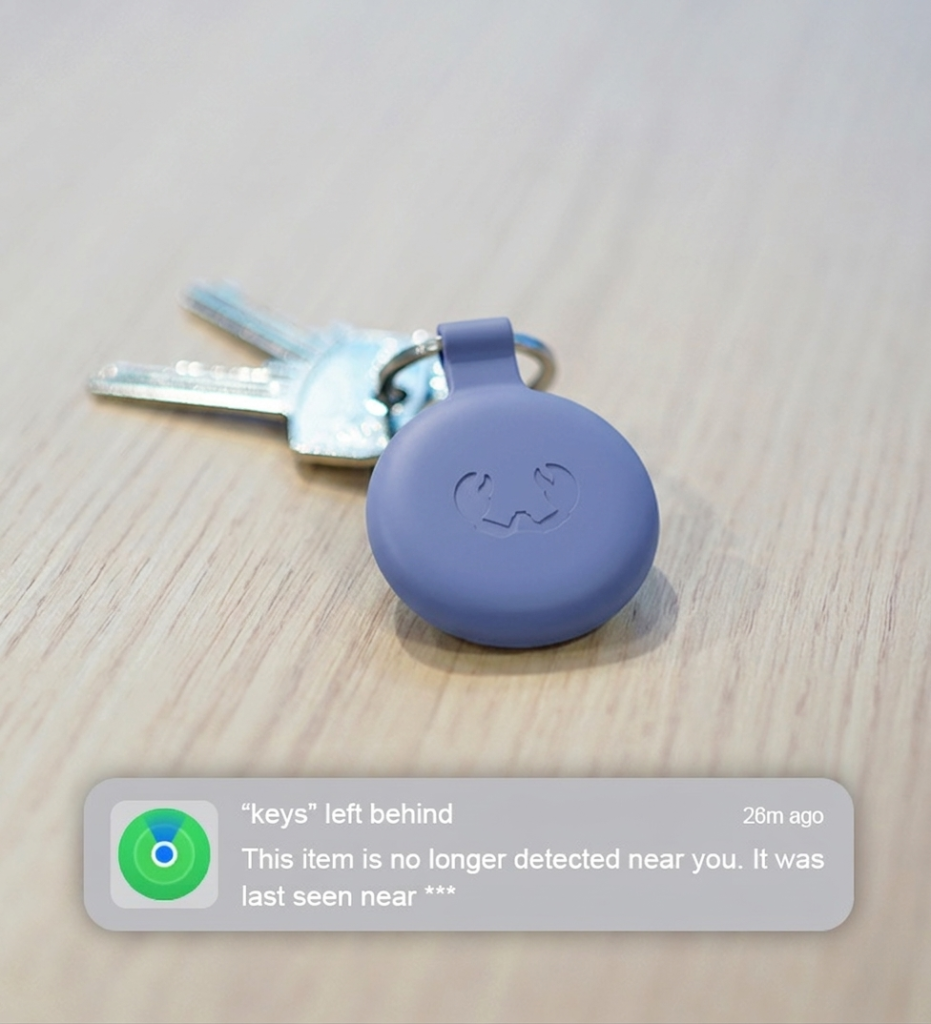
The Smart Finder supports different notification options of the Find My app. When ‘Notify When Left Behind’ was set up, you will receive a notification on your device when your Smart Finder is out of range (Bluetooth). When you’ve attached a Smart Finder to your keys and you leave them at an unknown location, you will be notified. From the Find My app you can see the directions to locate your Smart Finder or you can tap ‘Don’t Notify Me Here’ if you don’t want to be notified when you leave something at that location.
When ‘Notify When Found’ is enabled and your Smart Finder is out of the Bluetooth range of your device, you will receive a notification when your Smart Finder is within Bluetooth range of another device in the Find My network or Google Find My Device network You can then find its location in your Find My app.
Play a sound
Hide and seek
Dust- and waterproof
Go wherever
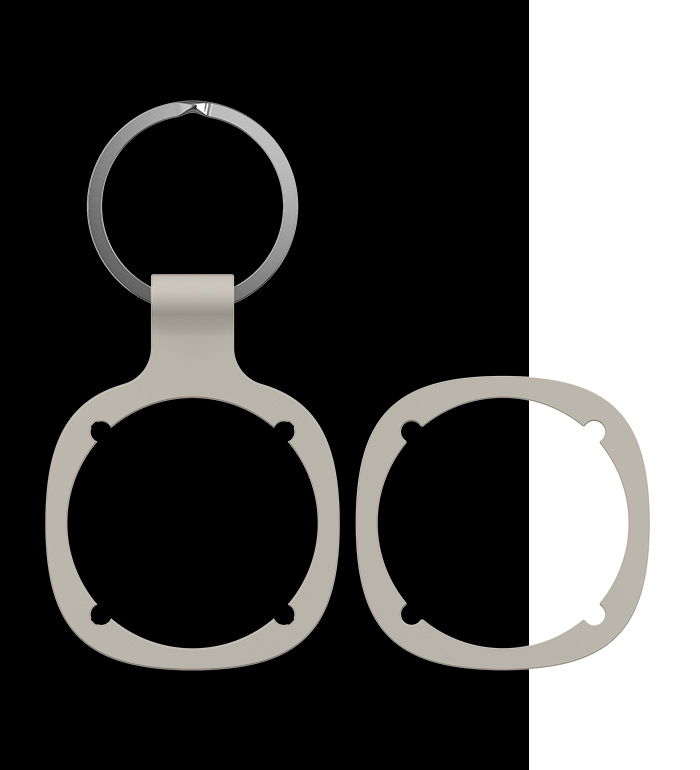
Detachable bumpers
Switch it up
Replaceable battery
Long-lasting power

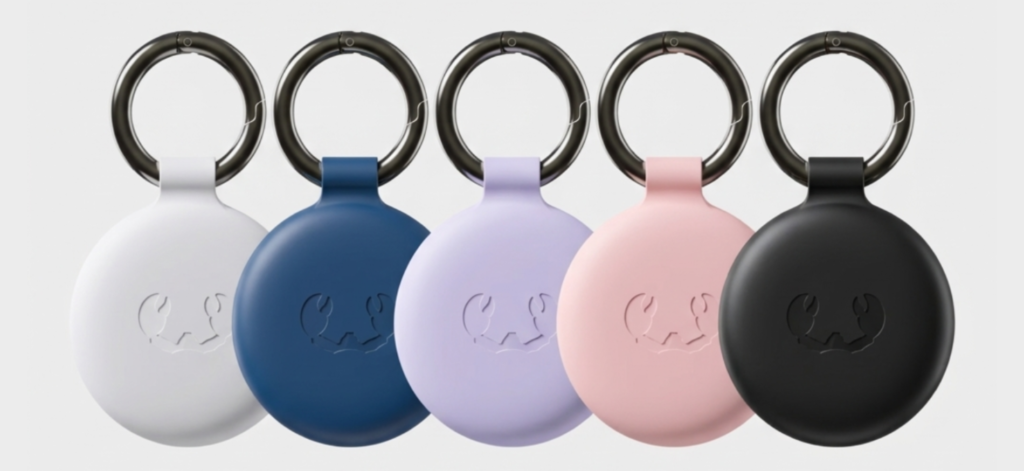
Frequently asked questions
What is the Fresh ’n Rebel Smart Finder?
With the Fresh ‘n Rebel Smart Finder, you can keep an eye on your favourite items anytime, anywhere. Attach the Smart Finder to, for example, your keys, bag or dog and find it your favourites with ease. Besides that, the Smart Finder has useful features, such as a notification when your Smart Finder is out of your reach.
Is my Smart Finder waterproof?
Yes, it is! The Fresh ‘n Rebel Smart Finders are IP67 dust- and waterproof. This means your Smart Finder can be submerged in water for up to 30 minutes without breaking down.
How long does the battery of my Smart Finder last?
How long does the battery of my Smart Finder last?
How do I connect my Smart Finder to my device?
A tip for the (slightly too) enthusiast ones: check if your device is updated to the latest iOS version and enable Bluetooth.
Step 1: First things first, rotate the Smart Finder a quarter turn to open the device. Remove the battery protection film by pulling it out. The battery is now plugged in.
Step 2: Press the function button once to switch on your Smart Finder. The sound indicates the device is turned on.
Step 3: Open the Apple Find My app on your compatible iPhone or iPad.
Step 4: Click on + and then ‘Add item’.
Step 5: Once your Smart Finder is found, tap ‘Connect’.
Step 6: Choose a nice name and select an emoji. Then tap ‘Continue’.
Step 7: Click on ‘Agree’ to add the Smart Finder to your Apple ID.
Step 8: Tap ‘Confirm’ and your Smart Finder is ready to go!
If the Smart Finder is not added to an Apple ID within 10 minutes after turning it on, it will automatically turn off again. Repeat steps 2 to 8 to try again.
How do I connect my Smart Finder to my device?
A tip for the (slightly too) enthusiast ones: check if your device is updated to the latest iOS version and enable Bluetooth.
Step 1: First things first, rotate the Smart Finder a quarter turn to open the device. Remove the battery protection film by pulling it out. The battery is now plugged in.
Step 2: Press the function button once to switch on your Smart Finder. The sound indicates the device is turned on.
Step 3: Open the Apple Find My app on your compatible iPhone or iPad.
Step 4: Click on + and then ‘Add item’.
Step 5: Once your Smart Finder is found, tap ‘Connect’.
Step 6: Choose a nice name and select an emoji. Then tap ‘Continue’.
Step 7: Click on ‘Agree’ to add the Smart Finder to your Apple ID.
Step 8: Tap ‘Confirm’ and your Smart Finder is ready to go!
If the Smart Finder is not added to an Apple ID within 10 minutes after turning it on, it will automatically turn off again. Repeat steps 2 to 8 to try again.
Bits 'n Bites
In the box
- 1 x Smart Finder
- 1 x Keychain bumper + keyring
- 1 x Regular bumper
- 1 x Pre-installed CR-2032 battery
- 1 x Extra CR-2032 battery
- Quick start guide
Features
- Find My-enabled
- Support Lost Mode, Notify When Found and Notify When Left Behind
- Built-in speaker for beeping sounds
- Waterproof and dustproof (IP67)
- Including detachable (key ring) bumpers
- Replaceable batteries (CR-2032)
 English
  Français
  العربية