Notifications
Stay in the loop
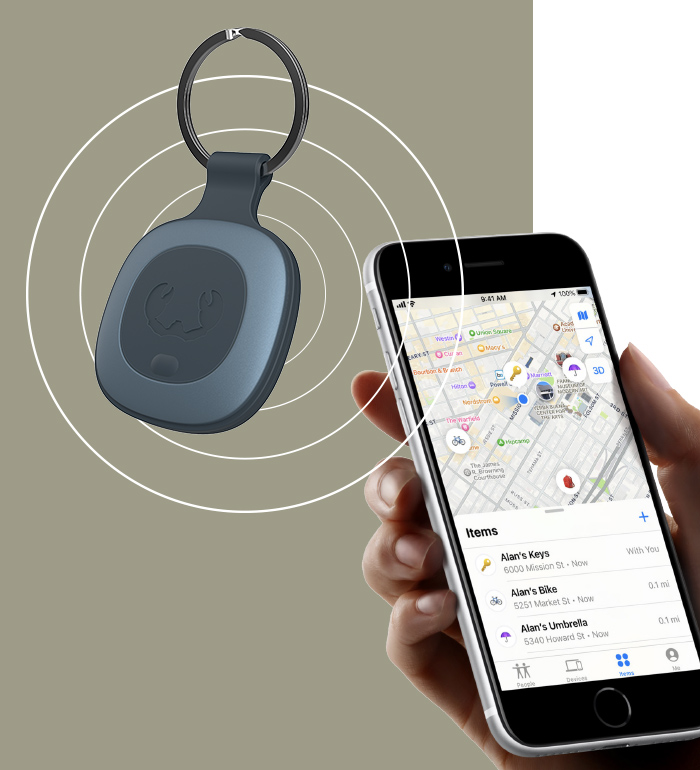
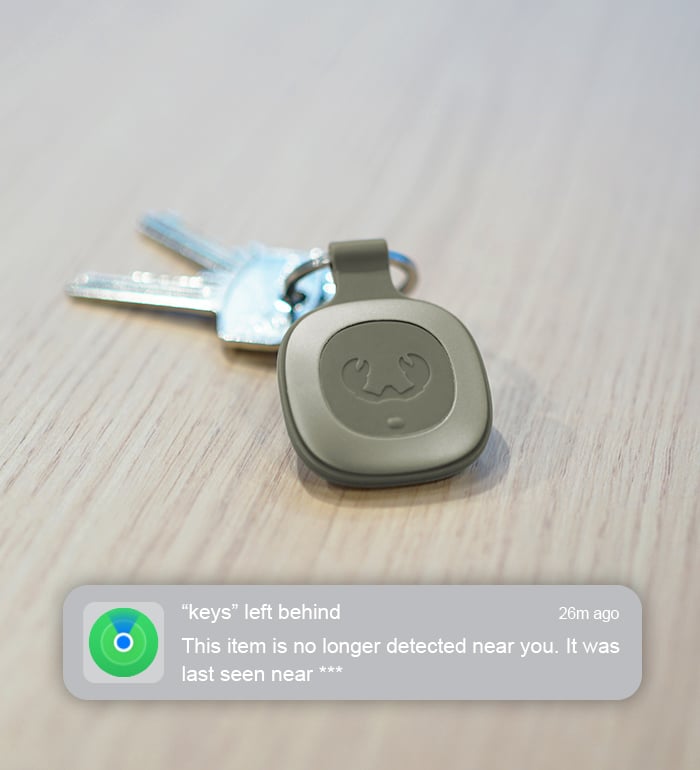
The Smart Finder supports different notification options of the Find My app. When ‘Notify When Left Behind’ was set up, you will receive a notification on your device when your Smart Finder is out of range (Bluetooth). When you’ve attached a Smart Finder to your keys and you leave them at an unknown location, you will be notified. From the Find My app you can see the directions to locate your Smart Finder or you can tap ‘Don’t Notify Me Here’ if you don’t want to be notified when you leave something at that location.
When ‘Notify When Found’ is enabled and your Smart Finder is out of the Bluetooth range of your device, you will receive a notification when your Smart Finder is within Bluetooth range of another device in the Find My network. You can then find its location in your Find My app.
Make sure to set up ‘Lost Mode’ when you’ve lost your item and provide your contact information and a message. The person that finds your Smart Finder can use the ‘Indentify Found Item’ option in the Find My app to access to the contact information you provided and use it to get in touch with you.



Reviews
There are no reviews yet.